

Access onboarding for agencies
The uncomplicated way to request access
Request, track and confirm your clients’ access in a single link.
No card required. Set up your agency and get started in minutes.
The problem starts before the marketing
Your agency has already sold the service, but the work hasn’t started because the access hasn’t arrived, is scattered or the client doesn’t know how to provide it.
Slow to get started
The work has been sold, but operations stall because the access hasn’t arrived yet.
A manual, scattered process
WhatsApp, email, screenshots, tutorials, reminders and checks end up spread across different places.
Friction with the client
Not every client knows how to grant access, which leads to questions, follow-ups, rework and strain.
How it works
A single flow to request, track and confirm access.
Create the request
Pick a template or build the access flow your agency needs.
Send a single link
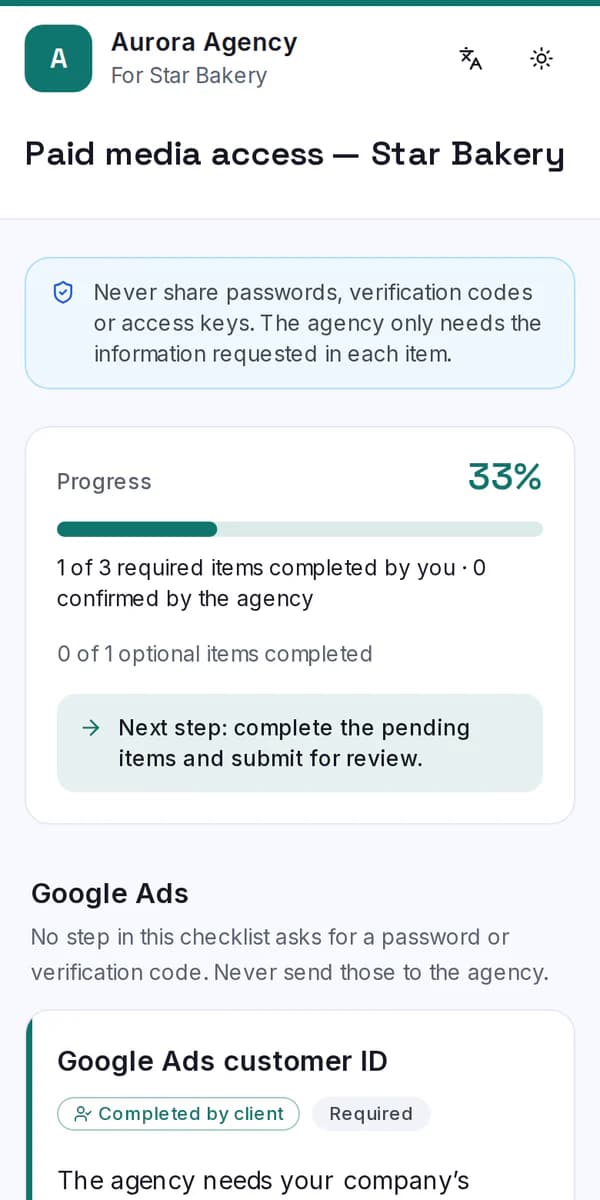
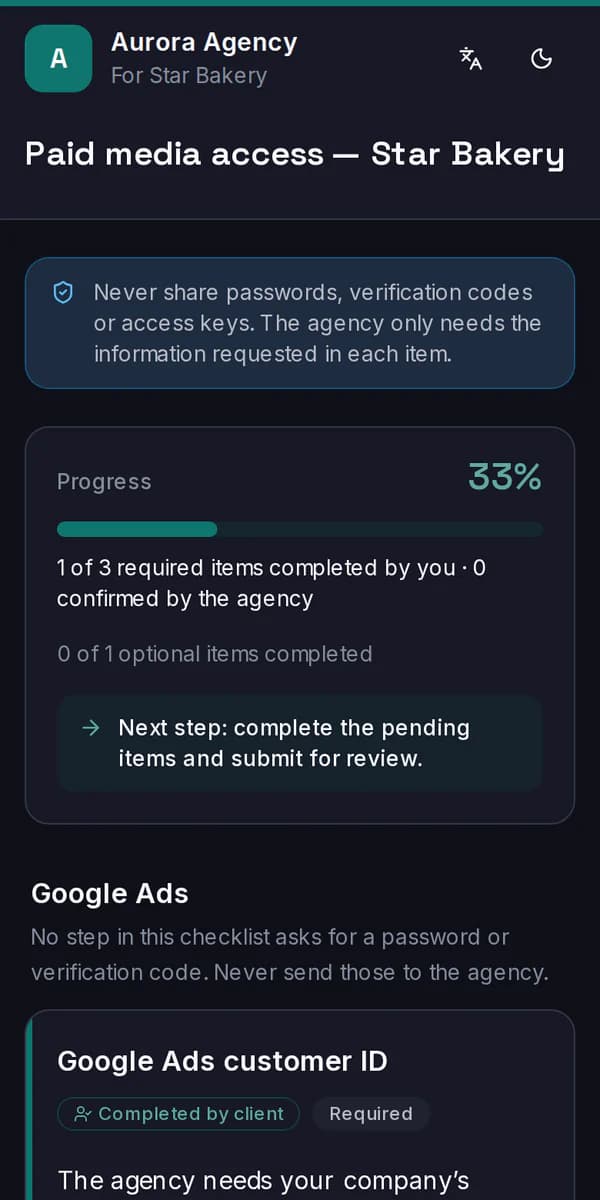
The client gets the request without having to create an account.
They follow the steps
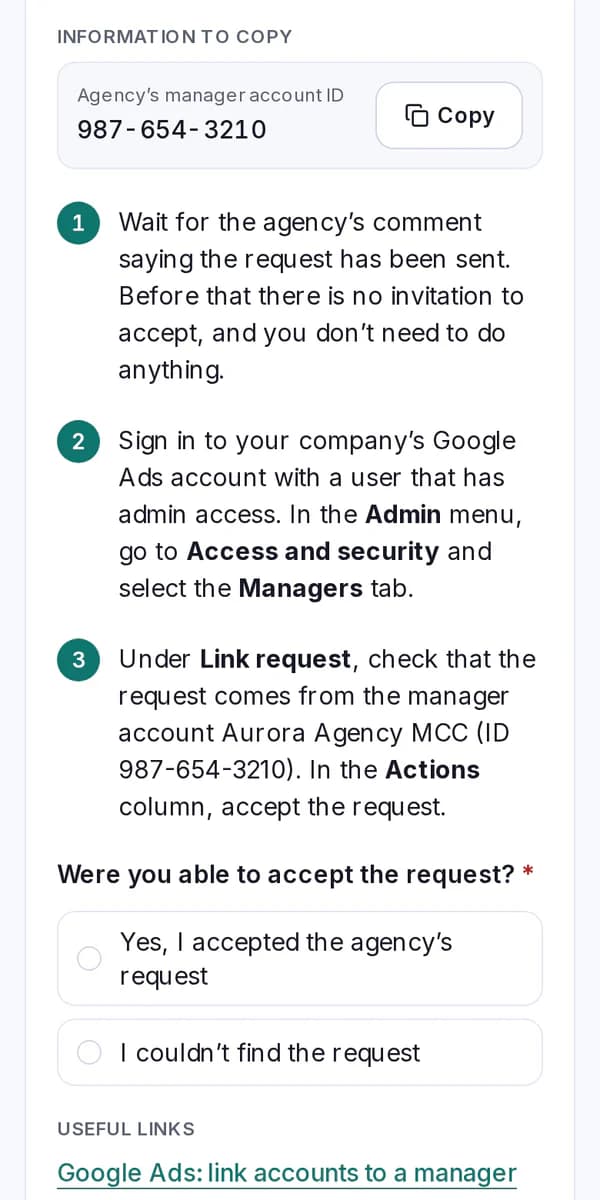
Each access is explained step by step, even for people without technical know-how.
Track and confirm
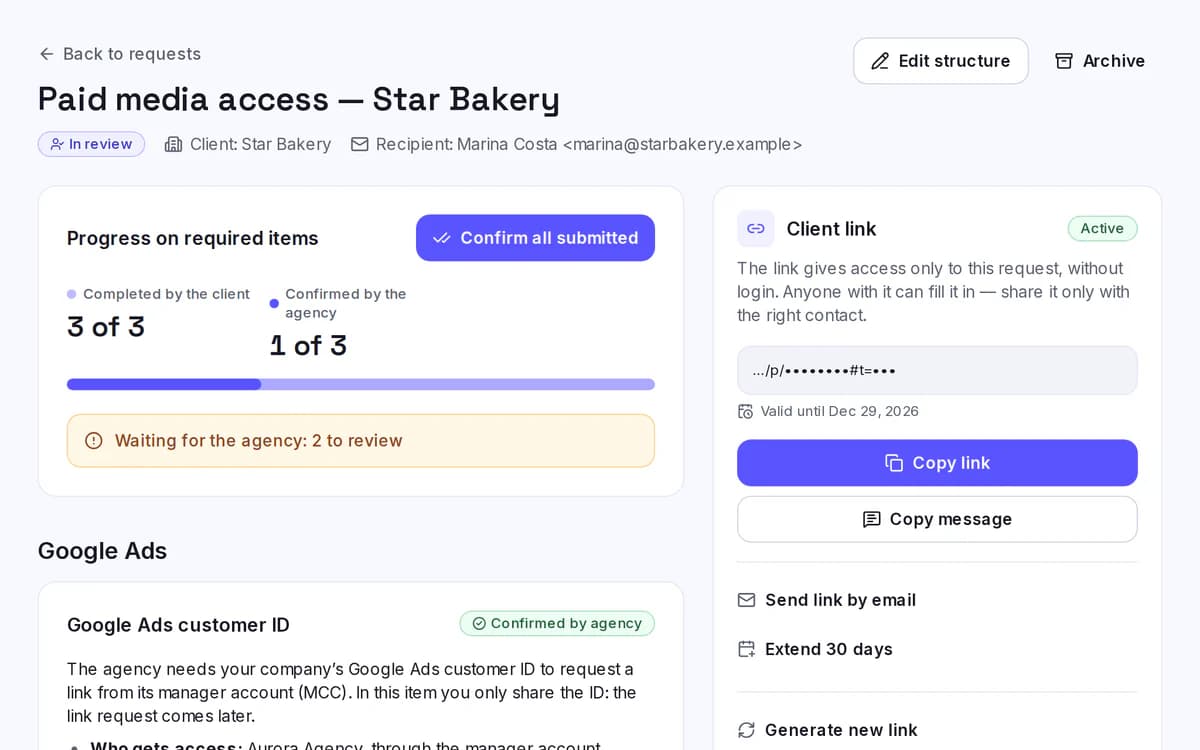
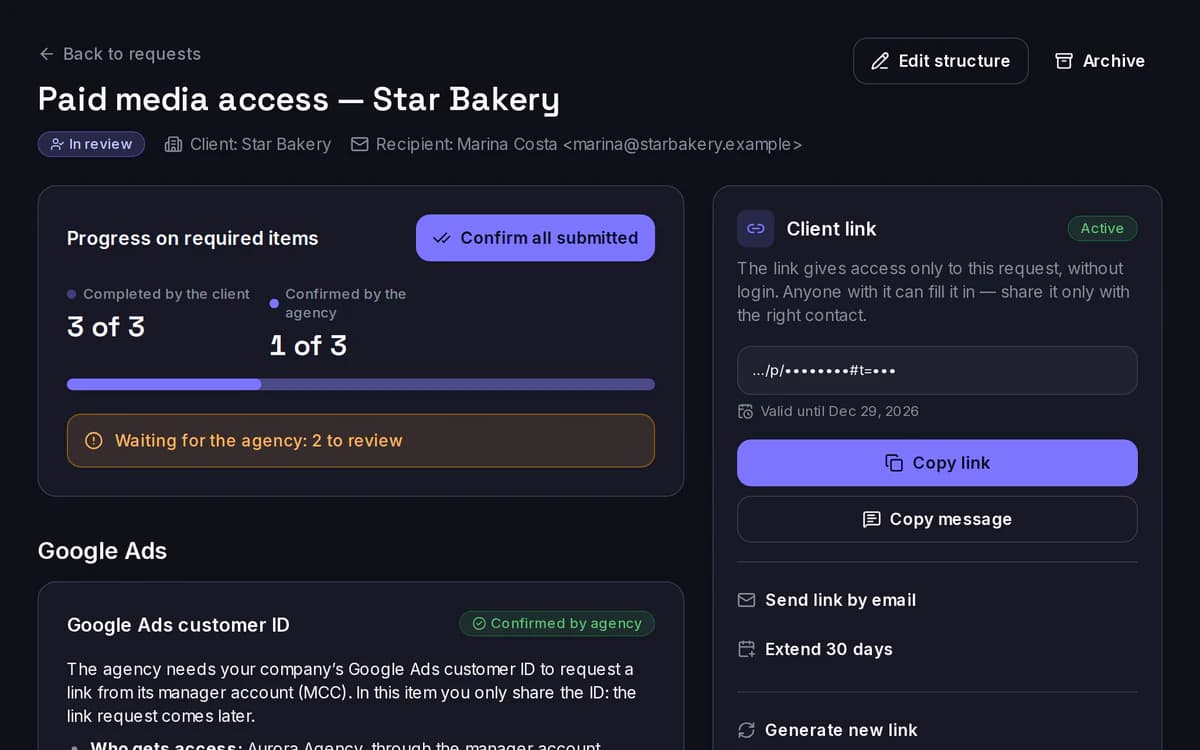
Your team sees the progress, reviews what was sent and confirms when everything is right.
Built so your client can get it done
Not every client knows where to click, which access to grant or how to find the right account. And that’s fine: the flow guides every step.
No login
The client accesses everything through a secure link.
Clear step-by-step
Each request can include instructions, fields and evidence.
Progress saved automatically
The client can pick up where they left off.
Fewer questions and messages
Guidance lives in the flow itself, without relying on scattered explanations.
Different levels of know-how
The process doesn’t assume technical familiarity.
Everything under control, without relying on memory
Your team tracks what was requested, what the client has already sent and what still needs adjusting, all in one place.
A clear view of progress
See at a glance what stage each request is at.
Review and confirmation
Your team checks what was sent before considering the access done.
Reusable templates
Standardize recurring requests without starting from scratch.
Comments and adjustments
If something is wrong, send the item back with context.
History and organization
Keep a record of what changed and what has already been resolved.
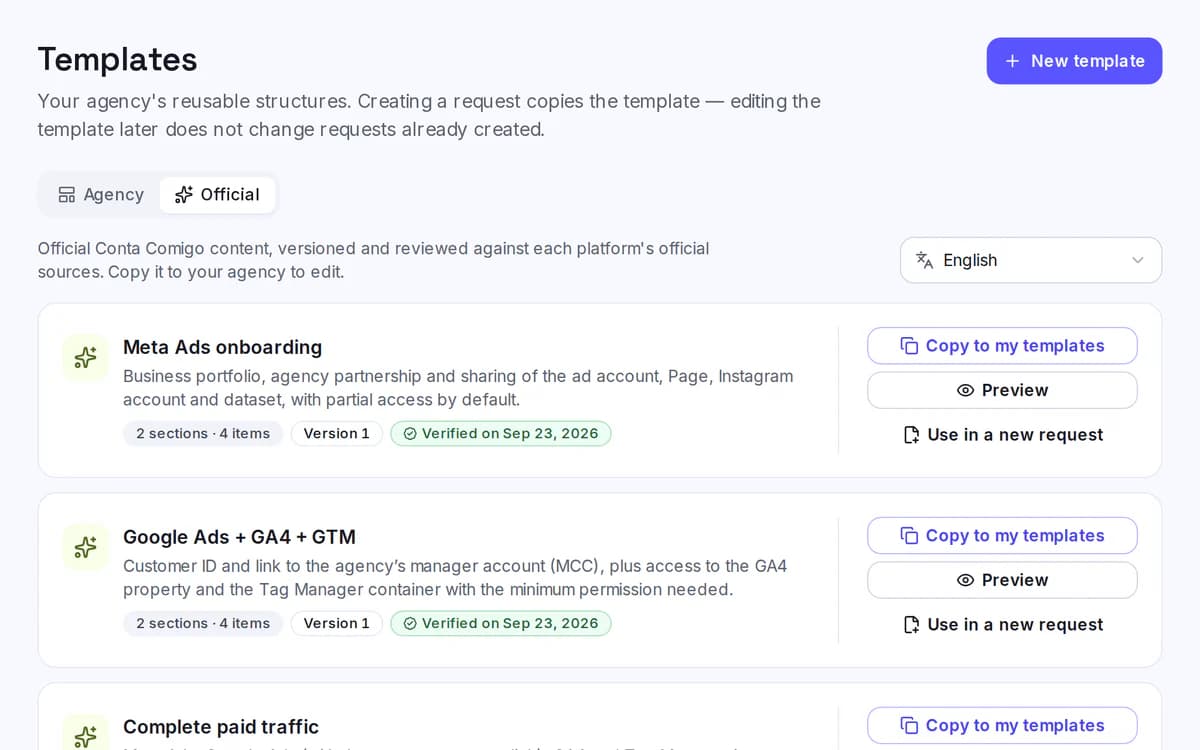
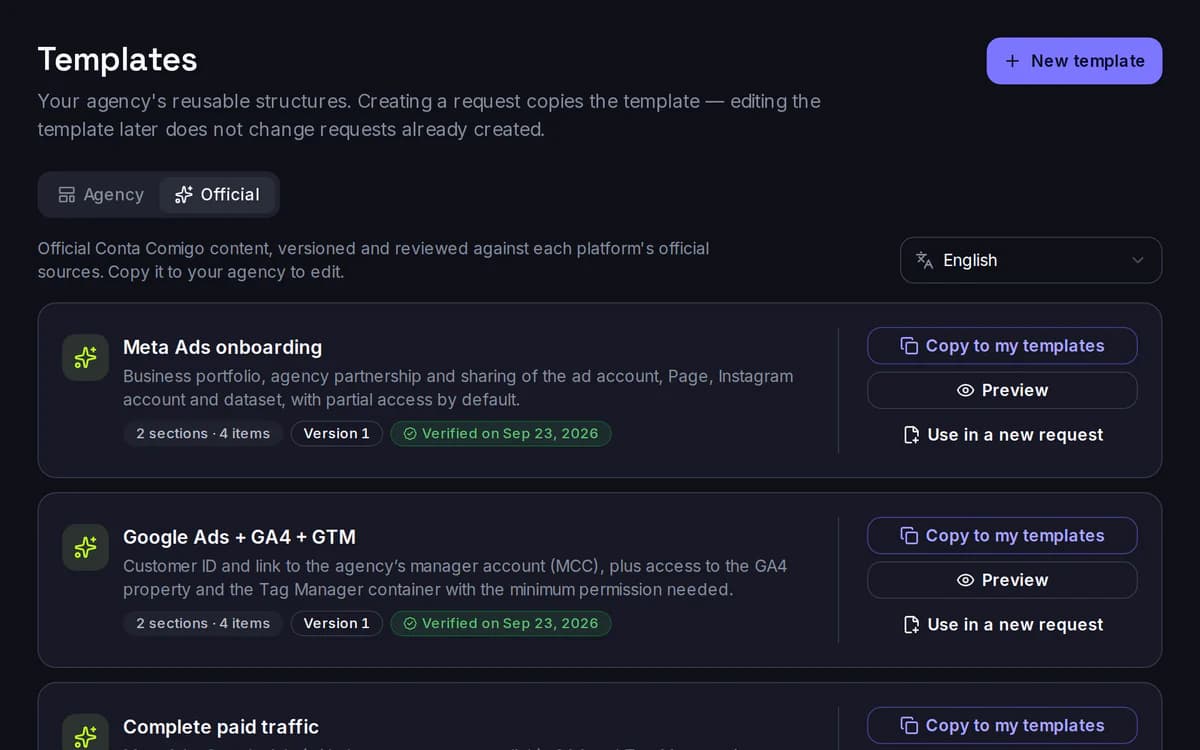
See Conta Comigo in action
From the request to the confirmed access, everything happens in a single flow.
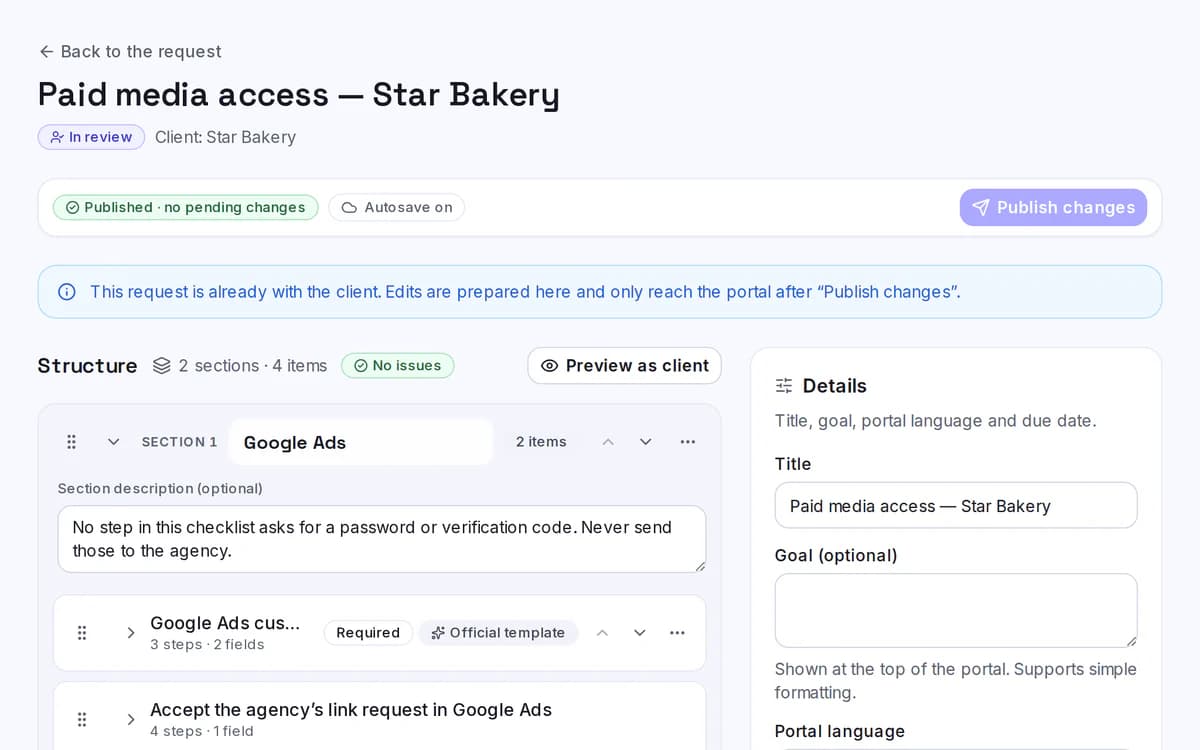
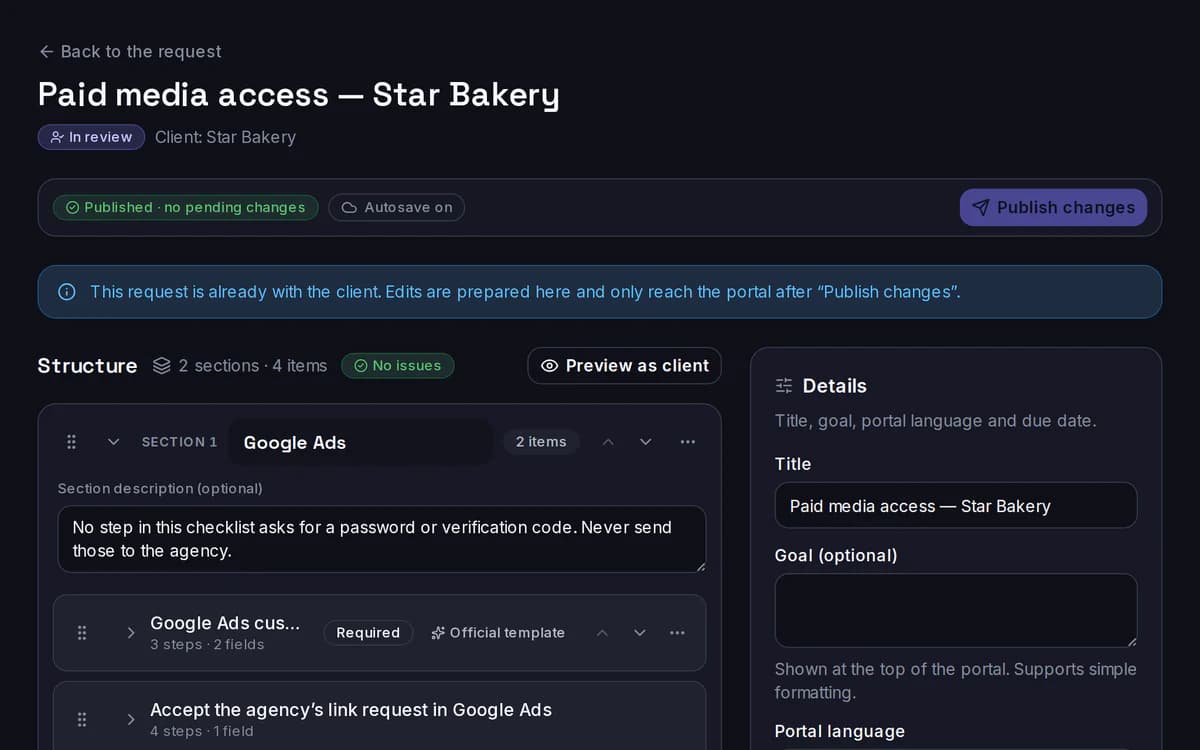
Builder
Build sections and items with steps and fields.
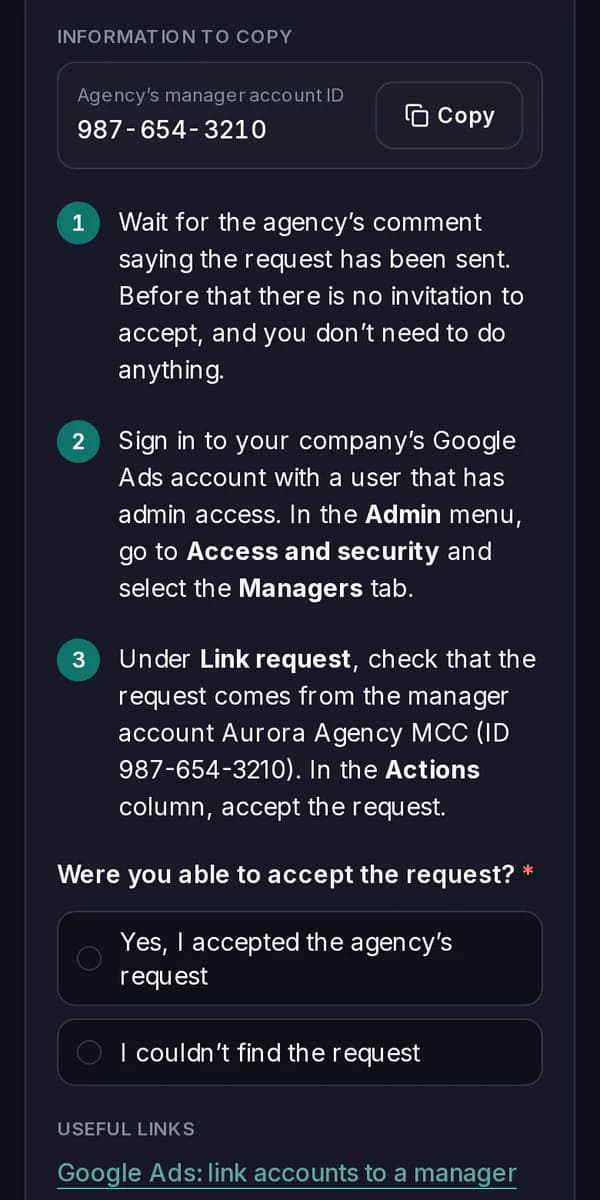
Client portal
The client answers through the link, on their phone.
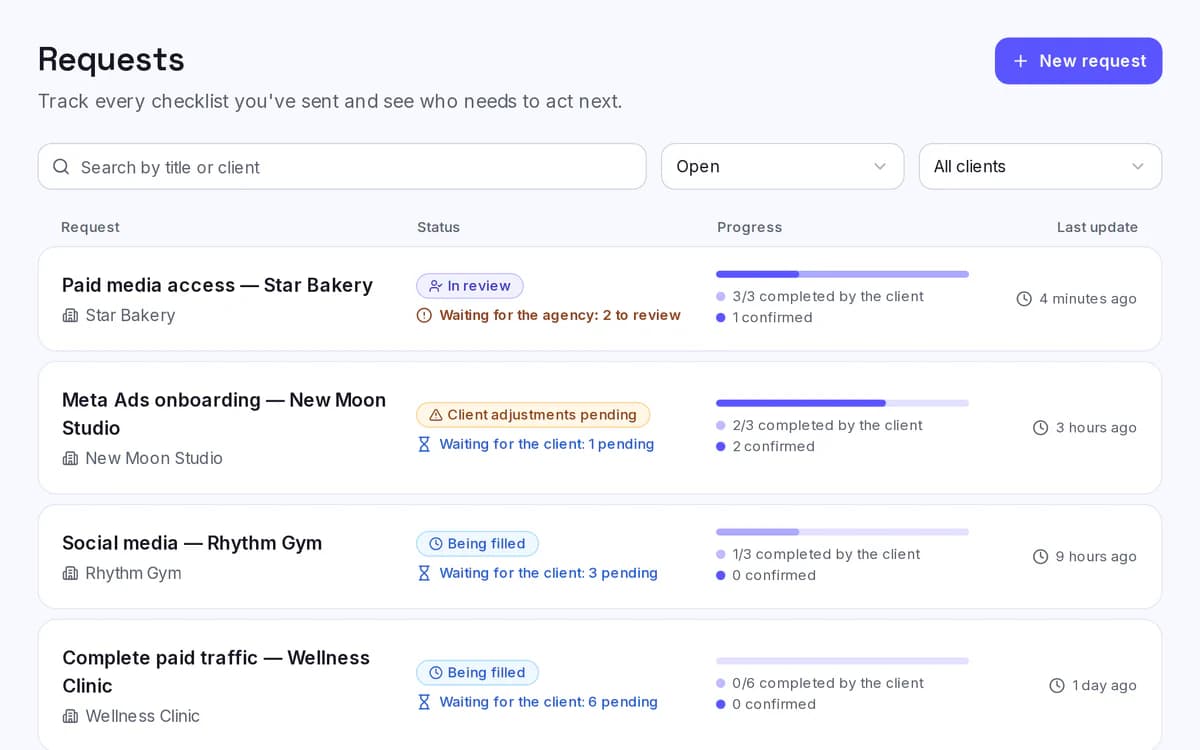
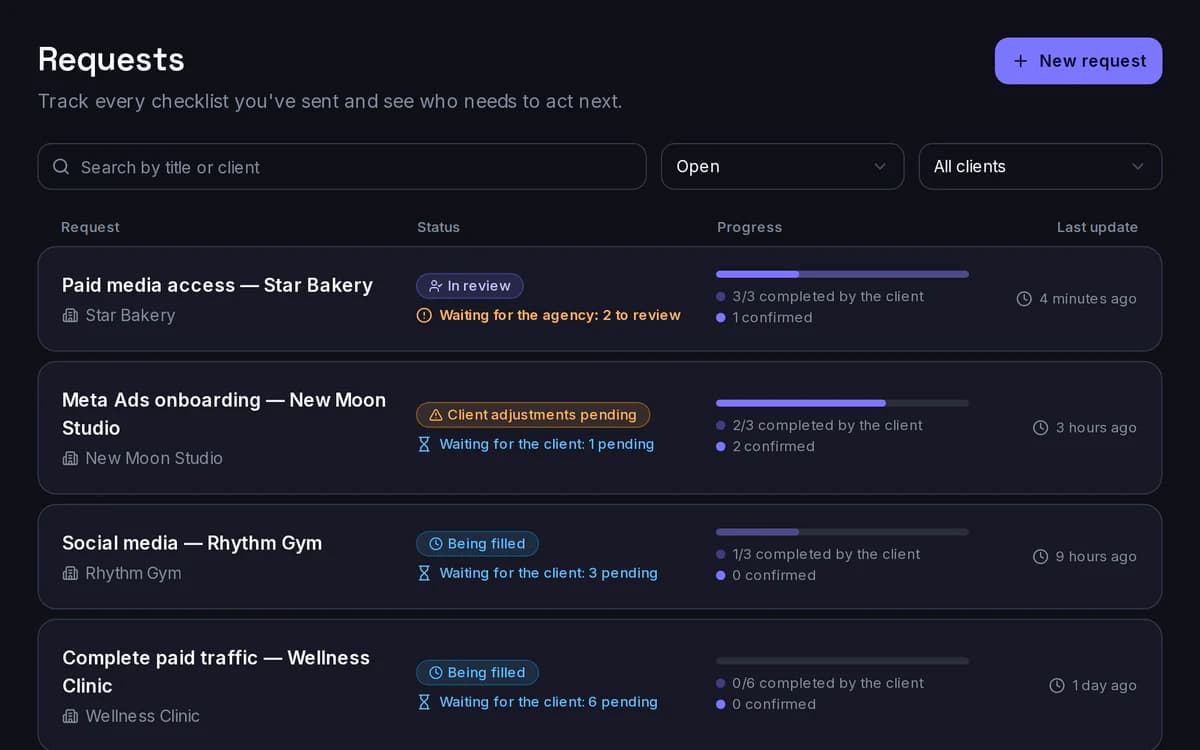
Request dashboard
Status and progress for every request.
Review
Check what came in and confirm each access.
Before and after Conta Comigo
Before Conta Comigo
- WhatsApp, email and screenshots all over the place
- Tutorials sent by hand
- Clients unsure where to click
- Chasing pending items
- Team checking everything by hand
- Little visibility into what’s missing
- Slow to start the work
With Conta Comigo
- A single link
- Guided step-by-step
- Centralized progress
- Visible pending items
- Review within the flow
- Organized history
- A faster start with less friction
Less time chasing access. More time getting the work started.
Plans for every operating pace
Start free for 30 days. No card required. Choose the plan that keeps up with your agency’s volume.
Pay for 10 months and use 12.
Essencial
R$59/month
Up to 10 published requests per month.
or R$590/year.
Fluxo
RecommendedR$129/month
Up to 25 published requests per month.
or R$1,290/year.
Escala
R$249/month
Up to 50 published requests per month.
or R$2,490/year.
Priced per agency: team members, clients and history don’t count toward the limit.
No card required.
Frequently asked questions
I already do this over WhatsApp. Why use Conta Comigo?
WhatsApp handles the conversation, but it doesn’t organize the process. When several clients, accesses, tutorials and follow-ups pile up at the same time, it’s easy to lose context and delay the start of the work. Conta Comigo brings everything into a single flow, with clear tracking of what’s done and what’s still missing.
Will my client need to create an account?
No. They get a link and follow the guided flow, with no login and no need to understand the platforms technically.
Won’t this become one more tool for my team?
The idea is precisely to replace part of the process that already happens in a scattered way today. Instead of tracking messages, spreadsheets, screenshots and reminders in different places, the team gets a single place to request and track access.
I have low volume. Does it still make sense?
The value isn’t just in the number of clients, but in the time and strain each onboarding creates. The Essencial plan covers up to 10 requests per month and was designed precisely for smaller operations.
I already have an internal process. Do I need to change everything?
No. Conta Comigo fits specifically into the access collection and tracking stage. Templates and flows can be adapted to the process your agency already uses.
Can’t I just send the client a tutorial?
You can, but a tutorial only covers the instructions. It doesn’t show the agency who finished, what’s still missing, where the client got stuck or whether the access was actually confirmed. Conta Comigo combines guidance and tracking in the same process.
Does Conta Comigo grant or verify access automatically?
It’s a checklist, not automation.
- It doesn’t grant, detect or verify access. The agency checks each access on the platform and records the check in Conta Comigo.
- It doesn’t ask for passwords: the steps follow each platform’s official invitations.
- It doesn’t connect to Google, Meta or other marketing platform accounts.
- Revoking a Conta Comigo link doesn’t revoke access already granted on the platforms.
Get the work started faster, with less friction between agency and client.
Centralize access collection, guide your clients and track everything in a single flow.
No card required.